
Give every language a clear place in the CMS
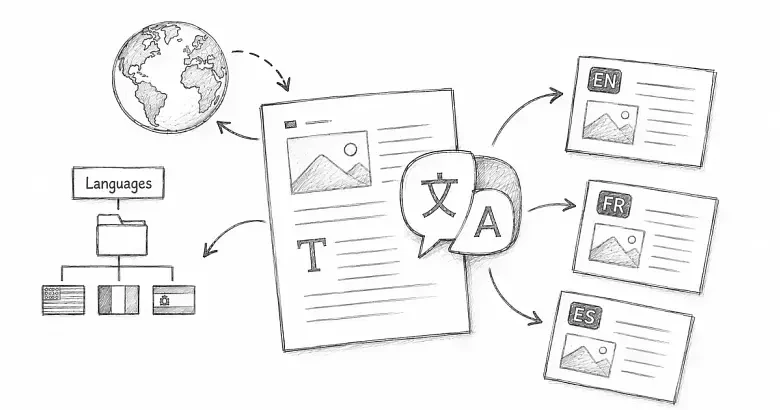
A PostnHost language record tells the CMS which languages your publication supports. It also supplies the code used in localized URLs and the page’s HTML language attribute.
Three related parts work together:
- Language records make a language available in the CMS.
- Content translations provide localized articles, pages, and categories.
- Locale files or I18n overrides translate shared public text such as navigation labels and empty states.
Adding one part does not create the other two automatically.
Add a language
- Open Languages from the CMS navigation.
- Select New Language.
- Enter the public name, such as “Spanish.”
- Enter the matching language code, such as
es. - Enable Default Language only when this should be the main language for the site.
- Create the language.
Keep the code short and consistent. It becomes part of localized routes such as /es, so changing it later can change public URLs.
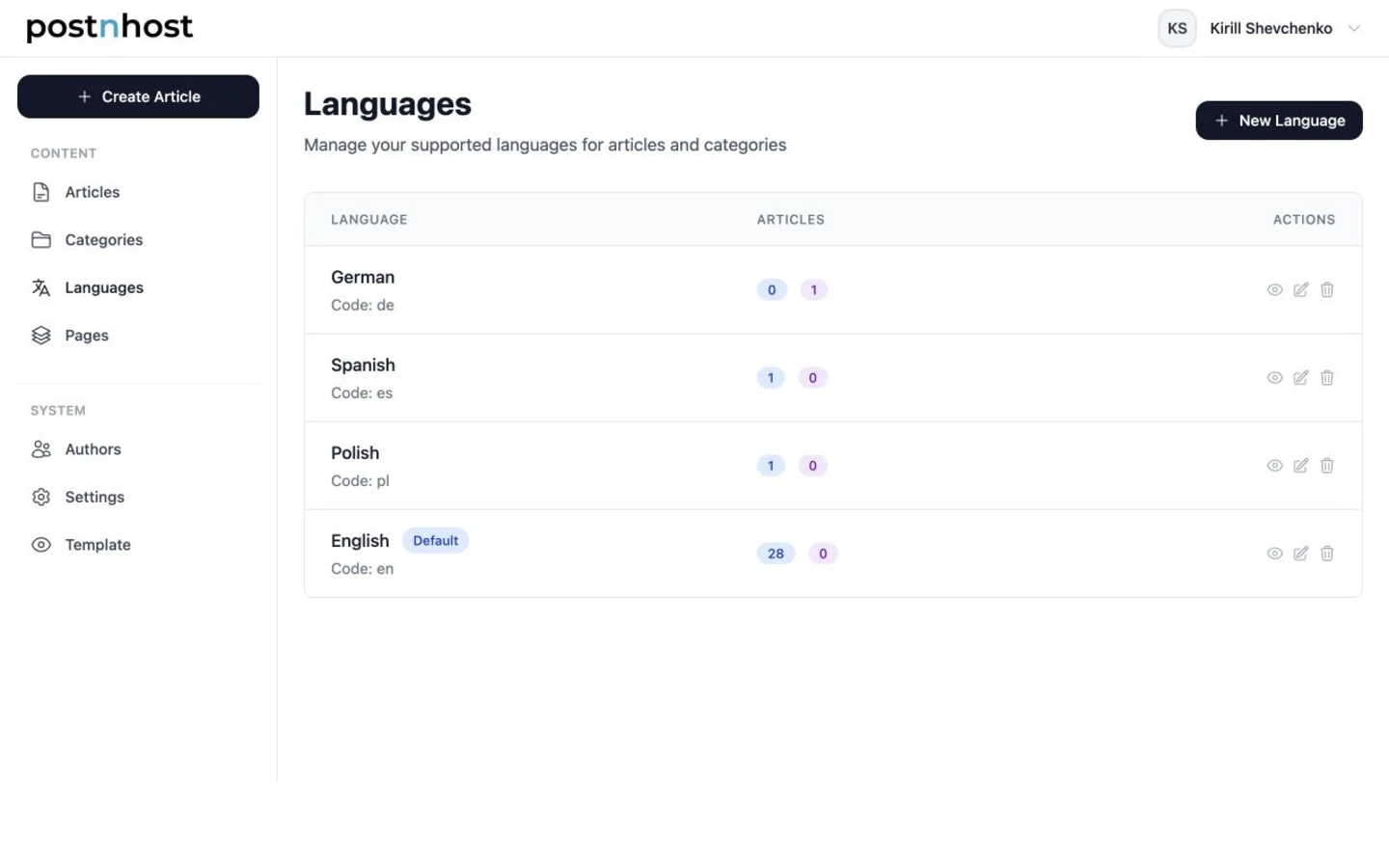
The Languages list identifies the default language and shows original-content and translation counts.
Understand the default language
Every site should have one default language. It is the main publishing language and the fallback when a localized version is not being requested. Change it only as part of an intentional site-wide language and URL plan.
Use the language list and detail page
The two count badges show content written originally in that language and translated variants in that language. Select a language name or its view action to see the associated content in more detail.
A language can exist before translations are ready, so a zero count is normal. Create translations separately from the article, page, or category that provides the source content.
If the detail page warns that no locale file exists, the Language record is available but shared public interface text is not fully prepared for that code. Use the optional developer setup below.
Before editing a code or removing a language, review its content and translations. Those changes can affect localized routes and associated records.
When no developer setup is needed
PostnHost includes public locale files for English, French, German, Japanese, Korean, Portuguese, Polish, Spanish, and Russian: en, fr, de, ja, ko, pt, pl, es, and ru.
If the chosen code is already available in the host application, you can create the matching Language record in the dashboard, add content translations, and customize shared text under Settings → I18n.
Add more languages
This section is only for a language code that the host application does not already support. Ask a developer with access to the Rails application to complete it.
Add the new code while preserving the existing locale list:
# config/application.rb
config.i18n.default_locale = :en
config.i18n.available_locales = %i[en fr de ja ko pt pl es ru it]
config.i18n.fallbacks = [:en]
Generate a host-application locale file for the same code:
bin/rails g postnhost:locale it- Translate the relevant keys under
postnhost.publicinconfig/locales/it.yml. - Restart Rails after changing
config/application.rb. - Create the matching Language record in PostnHost with code
it. - Add article, page, and category translations separately.
The Language record, available_locales entry, and locale filename must use the same code. A mismatch can cause missing interface text or unexpected localized routes. Keep the English fallback, or use a fallback map that eventually reaches the default language.
Verify the new language
- Open its localized index, such as
/esor/it. - Check the public language switcher.
- Review shared text under Settings → I18n.
- Publish and open at least one translated content item.