

Help search engines understand your publication
PostnHost creates structured information about your site, organization, articles, and authors. This information is not a visible design element. It gives search engines a clearer description of who publishes the content and what each page represents.
You only need to provide a few accurate details. Leave optional fields empty when they do not apply.
Start with the public site address
Open Settings → Site and confirm that the Site URL matches the address visitors use in production. PostnHost uses this address when it creates public links, structured information, and sitemap entries.
Add the WebSite details
- Open Settings and select Schema.
- Choose the language you want to edit.
- Under WebSite, enter the publication name.
- Add a short description of the publication.
Use the name readers recognize. The description should explain the publication plainly rather than listing keywords.
Describe the organization
Under Organization, choose the option that most closely matches the publisher and enter its public name and description. Add an alternate name, contact details, address, or social profile links only when that information is real and useful.
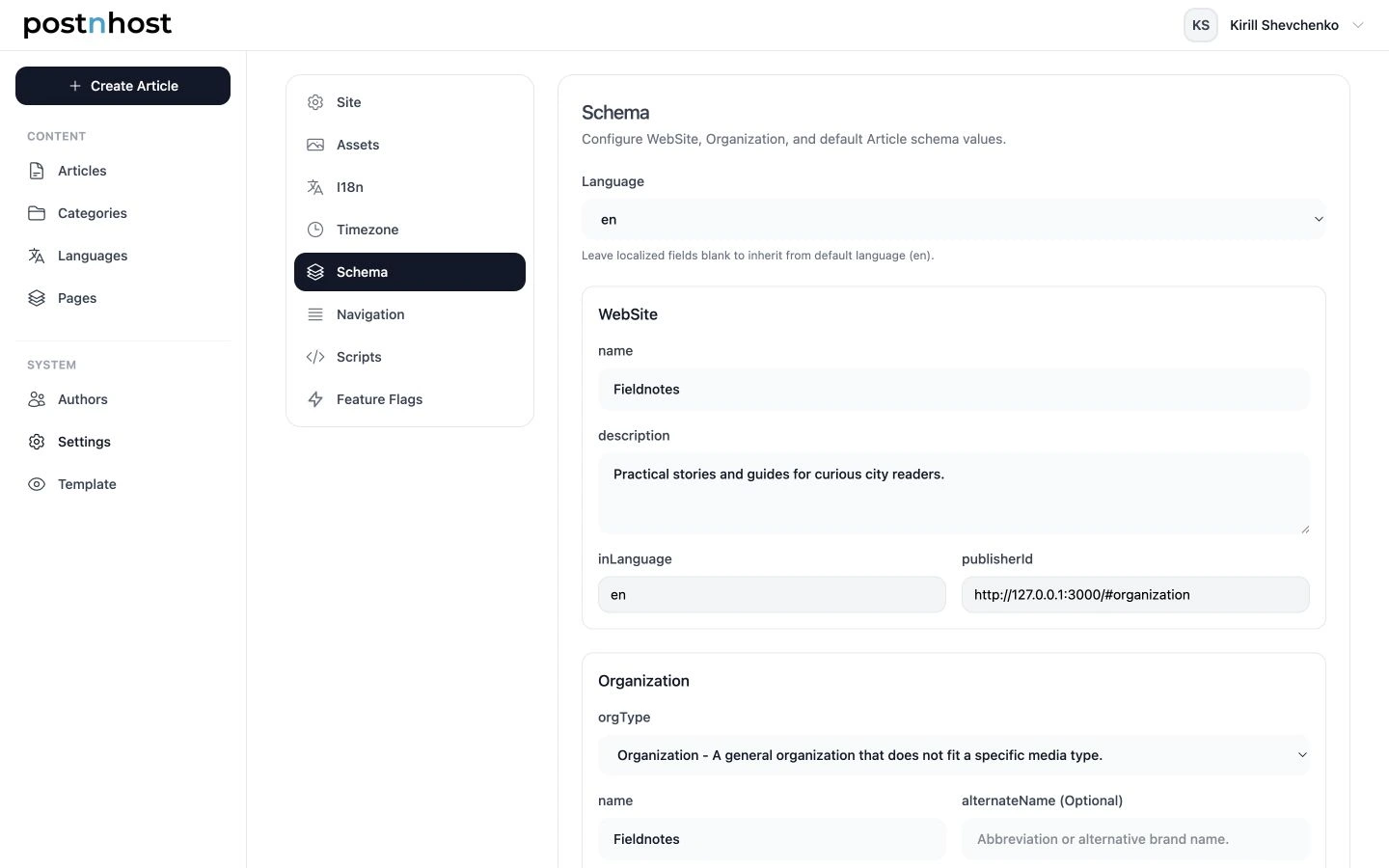
Start with the WebSite name and description, then add only the Organization details that apply.
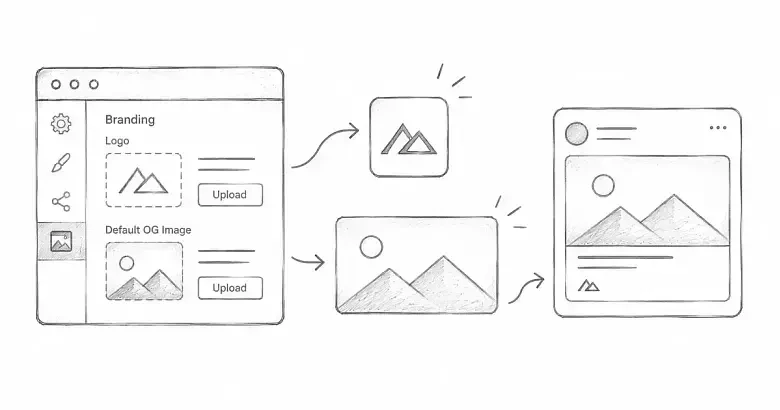
The organization logo comes from Settings → Assets → Site Logo. Update it there if the logo shown in Schema is not the one you want.
Choose the default article type
In Article Defaults, keep BlogPosting for most blogs and editorial publications. Choose a more specific option only when it consistently describes your content. Individual articles can use a different type when needed.
Add Author Schema
Every published article includes information about its assigned authors. PostnHost starts with the author’s regular profile, so complete the name, position, biography, author image, and social links before adding anything extra.
- Open Authors and select the author you want to update.
- Choose Edit Schema.
- Review Derived Defaults. These show the name, job title, description, public URL, and identifier PostnHost can use automatically.
- Select a language under Schema Overrides when the author’s name, role, or biography should be different in that language.
- Add optional expertise, awards, or education details only when they are accurate and useful.
- Select Save Author Schema.
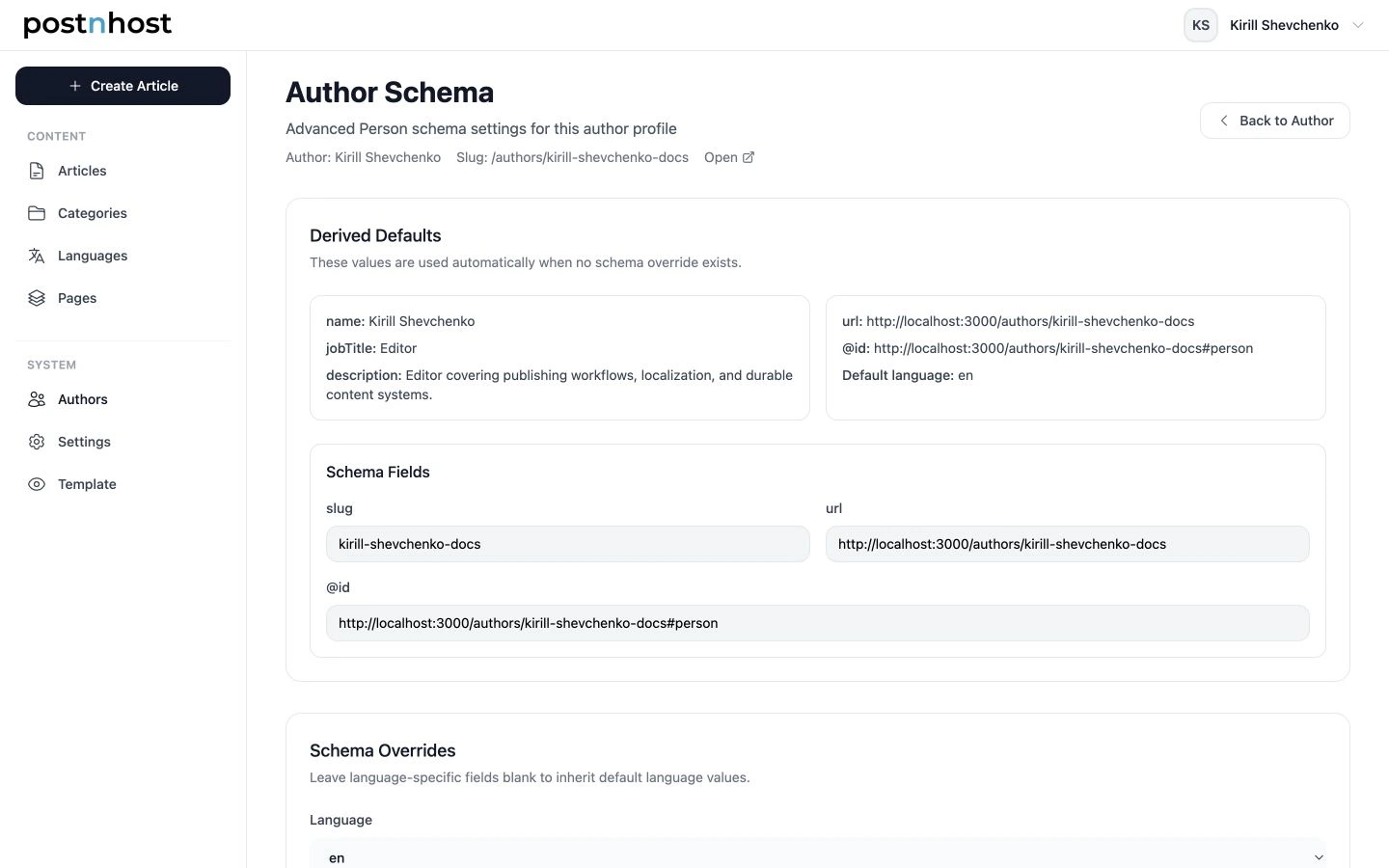
Derived Defaults show which author details PostnHost can use without extra overrides.
Social links from the author profile are included automatically. Use sameAs only for an additional authoritative profile, and leave the optional image field empty when the normal Author Image is already correct.
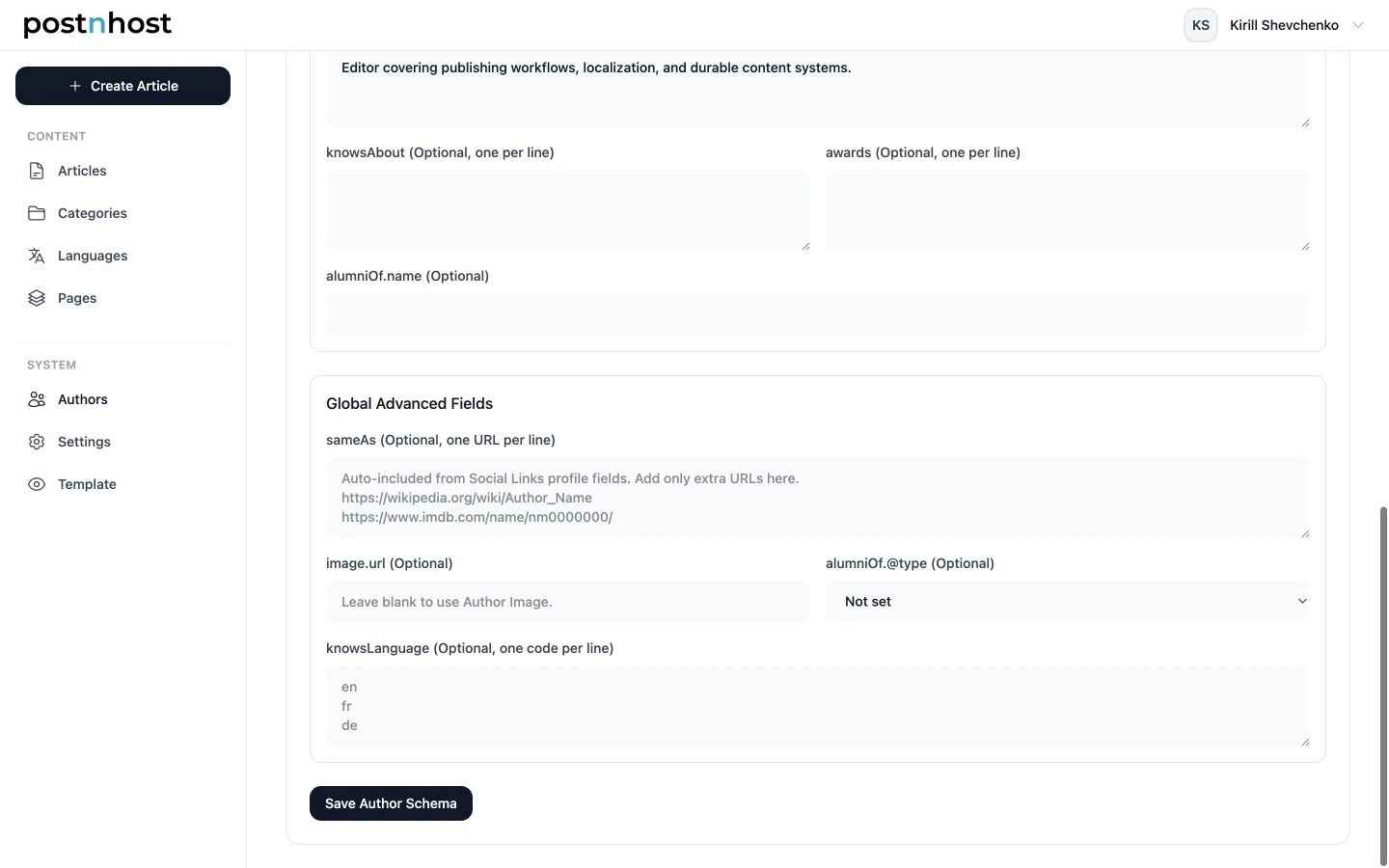
Use Global Advanced Fields only for useful details that are not already present in the author profile.
If you want the author’s public profile URL included, open Settings → Feature Flags and enable Author pages. This also makes public author pages and byline links available.
Save and check your sitemap
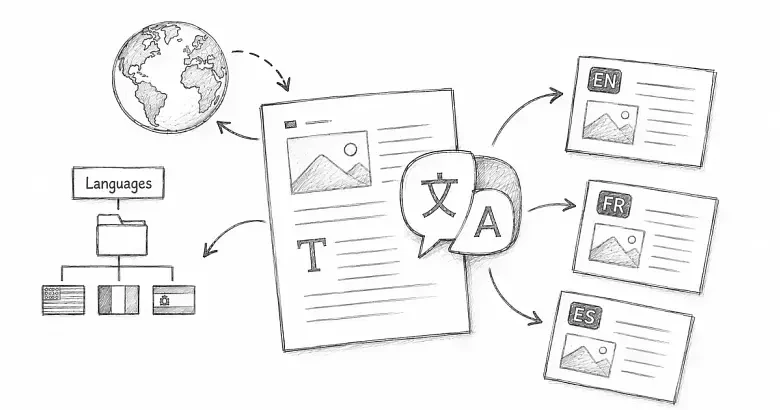
Select Save Schema, then open /sitemap.xml on your public site. The sitemap lists published public pages and their language versions so search engines can discover them.
After publishing or translating content, revisit the sitemap and confirm that the new public URL appears. If your site is mounted below another path, ask the person managing the deployment to confirm that search engines are directed to the correct sitemap address.
A simple final check
- The Site URL uses the real public domain.
- The WebSite and Organization names match the publication.
- The description is short, accurate, and readable.
- The Site Logo is current.
- The default article type fits most of your content.
- Each author has a complete profile and any useful schema additions.
- The sitemap opens and contains published pages.
That is enough for a strong starting point. Add more details only when they describe something real that readers can verify.