
Make the public site sound right in every language
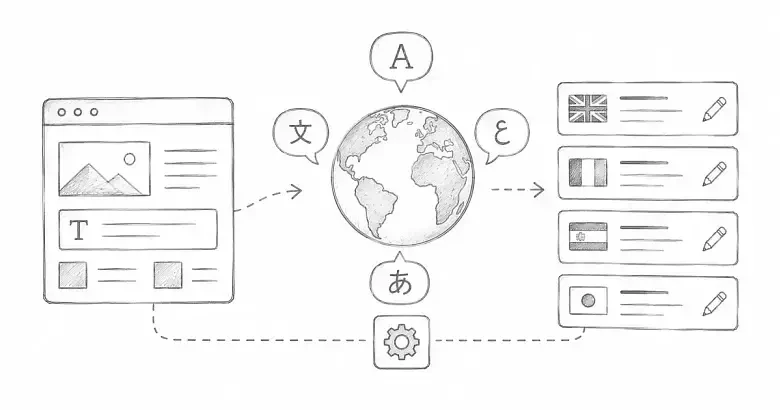
PostnHost lets you change shared public text without editing an article or page. This includes the site name, tagline, subtitle, meta title, and meta description shown for a particular language.
These settings change the words around your content. They do not translate article, page, or category content.
Choose the language
- Open Settings and select I18n.
- Use the Locale menu to choose the language you want to edit.
- Review the existing values before making changes.
Only languages already available on your site appear in this menu. If the language is missing, add it from Languages first.
Edit the main public text
The first fields cover the text most site owners need:
- Site Name is the publication name used across the public site and in site information.
- Tagline is the short label near the main blog heading.
- Subtitle introduces the publication or its latest content.
- Meta Title is the default title used for the blog index in search and browser tabs.
- Meta Description summarizes the publication for search and sharing previews.
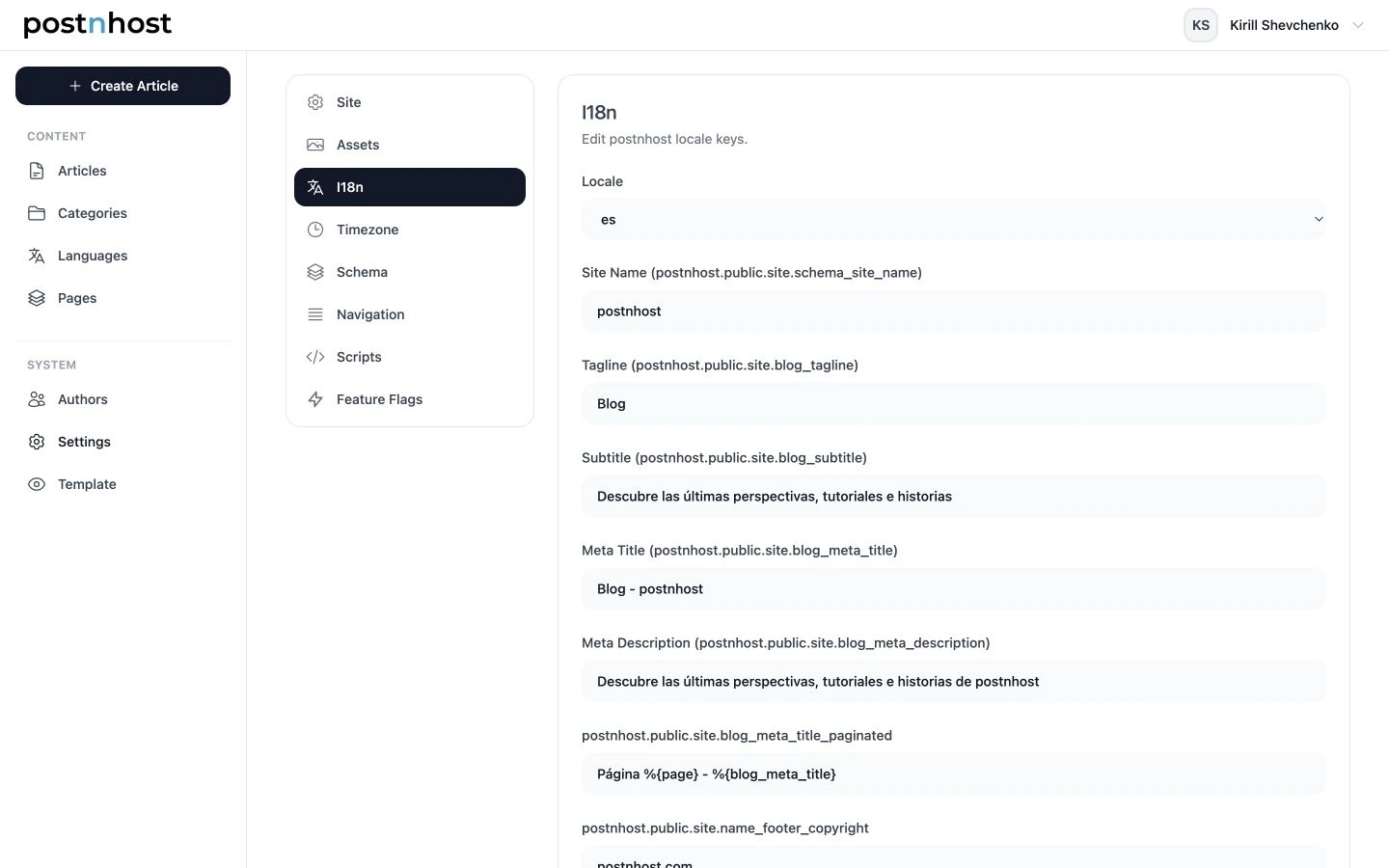
Select a locale first, then edit only the public text for that language.
Save and review the public page
- Update the fields you want to change.
- Select Save I18n.
- Open the public site in that language.
- Check the page heading, subtitle, browser title, and sharing description.
Keep titles concise and make descriptions useful on their own. A visitor may see this text in search results before seeing the rest of your site.
Restore the standard wording
If you no longer want a custom value, clear that field and save again. PostnHost returns to the wording supplied by the selected language.
Use Advanced only when you need it
The Advanced section contains smaller interface messages such as navigation labels and empty states. Most sites can leave these values unchanged. If you edit them, change one clear label at a time and check the corresponding public page afterward.
Repeat for each language
Switch the Locale menu and repeat the same short review for every language you publish. This keeps the site name and introduction consistent while still letting each language read naturally.
Optional developer setup: add a language PostnHost does not include
You can skip this section when the language you need is already available. If you want to publish in another language, add both a CMS Language record and a matching Rails locale file. For example, to add Italian:
- Open Languages, create Italian, and use
itas the Language Code. - From the host application root, generate a starter locale file:
bin/rails g postnhost:locale itThis creates config/locales/it.yml from the English public strings. Translate the values under postnhost.public, while keeping the YAML keys unchanged.
Add the same locale code to config.i18n.available_locales in config/application.rb and keep English as the fallback:
config.i18n.default_locale = :en
config.i18n.available_locales = %i[en fr de es it]
config.i18n.fallbacks = [:en]
The Language Code, filename, YAML root key, and available locale must agree. Restart the application after changing config/application.rb. Then return to the Italian Language page; the missing-locale-file warning should be gone.